Best Shopify Checkout Optimization Apps for Higher Conversions
- Updated: April 7, 2026
Table of Contents
Your customer has already said yes. The product is in the cart. The intent is clear. All that’s left is completing the purchase, and this is exactly where most Shopify stores bleed revenue.
Not because the product isn’t good. Not because the price is wrong. Because the checkout experience gave the buyer one small reason to hesitate, and hesitation at the payment stage almost always means abandonment.
Nearly 70% of carts are never completed. That’s not a traffic problem. That’s a checkout problem, and it’s one of the few conversion problems you can fix without spending more on ads.
Below is a breakdown of the best Shopify checkout optimization apps available right now, what each does, who it’s for, and how to stack them based on your store’s actual needs. If you run a subscription brand, there’s a dedicated section for you too, because checkout optimization looks different when recurring revenue is on the line.
Why Checkout Optimization Matters More Than Most Merchants Think
Most merchants spend the majority of their budget getting people to the product page. Ad spend, influencer partnerships, and email campaigns, all designed to drive intent. Then that intent arrives at checkout and quietly disappears.
The math is uncomfortable. Acquiring a new customer costs 5 to 7 times more than retaining an existing one. If your checkout is losing even 30% of visitors who reached payment, you are effectively throwing a meaningful portion of your ad spend into a leaky bucket.
The highest-leverage fix is rarely more traffic. It’s a better checkout experience.
Improving your checkout conversion rate by even a few percentage points costs nothing in ad spend and compounds over every order that follows. For one-time purchase stores, that means more completed sales from the same traffic. For subscription brands, the stakes are higher because a failed checkout doesn’t just lose one order. It loses a subscriber who might have stayed for 12 to 18 months, generating consistent monthly recurring revenue and expanding customer lifetime value with every billing cycle.
What Checkout Optimization Apps Actually Do
There’s a meaningful difference between a checkout app and a checkout optimization app. Payment gateways, shipping add-ons, and form styling tools are checkout apps. They extend functionality. Optimization apps are different. They exist to increase the percentage of visitors who complete their purchase, and that distinction matters when you’re deciding what to install.
Good optimization apps work across three layers.
Pre-checkout: Simplify the path from cart to payment. Remove friction before the buyer reaches fields and forms. This is where accelerated payment options and cart drawer improvements live.
In-checkout: For Shopify Plus merchants, Checkout UI Extensions allow direct customization inside the checkout flow. Personalised offers, conditional messaging, and dynamic upsells can all be added without redirecting the buyer away from the payment step.
Post-checkout: The moment after payment is confirmed is one of the highest-intent moments in ecommerce. A well-placed offer at this stage can increase average order value without touching the primary conversion, because the purchase is already done.
The best apps don’t attempt all three layers at once. They do one layer exceptionally well. Knowing which layer your store actually needs to fix is the starting point, and that comes from data, not guesswork.
Key Elements of a High-Converting Shopify Checkout
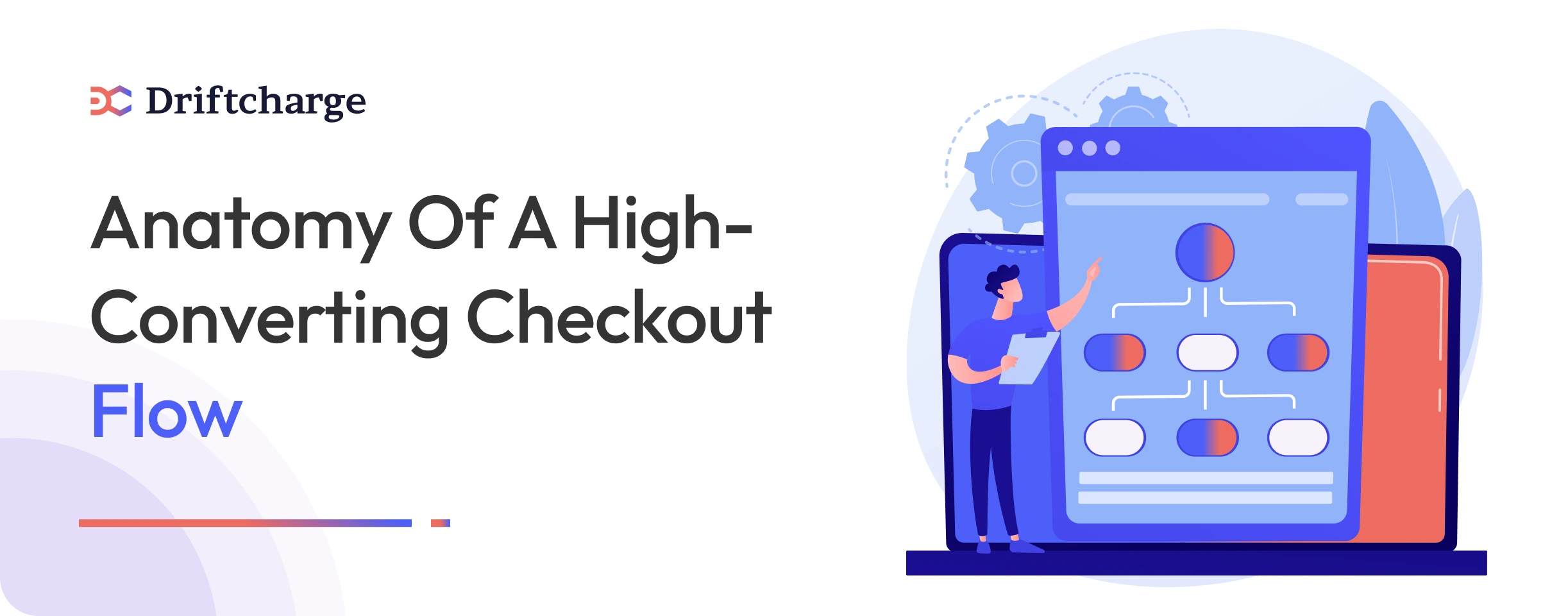
Before evaluating any app, it helps to understand what a well-optimised checkout actually looks like. The elements below are where most stores either win or lose the sale.
Speed and Simplicity
Every extra field, click, or page load is a friction point. Accelerated checkout options like Shop Pay, Apple Pay, and Google Pay let returning customers skip the form entirely, which is why they consistently outperform standard checkout flows on mobile. Reducing required fields to the minimum necessary is one of the simplest and highest-impact changes any store can make.
Trust Signals at the Payment Stage
Shoppers become cautious the moment they’re about to enter their card details. A visible security indicator, a clear refund policy summary, and a breakdown of exactly what they’re paying for all reduce last-second hesitation. For newer brands without established recognition, this layer often has the highest immediate impact on completed orders.
Conversion Boosters
A well-placed upsell or bundle offer can increase order value without disrupting the primary conversion. Timing matters here. Post-purchase offers work better than in-checkout interruptions for most store types because the payment has already been confirmed before the offer appears.
Mobile-First Layout
The majority of Shopify traffic arrives on mobile. Checkout forms should autofill where possible, buttons should be easy to tap without zooming, and the layout should adapt cleanly to smaller screens. Testing your checkout on a real device, not just a browser emulator, will surface issues that most merchants never catch until a customer complains.
For Shopify Plus Merchants
The elements above apply to every Shopify store. Plus, merchants have an additional layer available through Shopify checkout extensibility, which allows custom content blocks, conditional logic, and targeted messaging to be added directly inside the checkout flow without touching the underlying code. This is where the apps in the next section become significantly more capable.
Checkout Optimization for Subscription Brands
If you sell subscriptions, coffee, skincare, supplements, pet food, meal kits, checkout optimization has an additional dimension that most generic app lists miss entirely.
Widget Placement Changes Everything
The subscribe-and-save widget position on your product page directly affects how many visitors choose the subscription option over a one-time purchase. If the subscription offer sits below the fold, or is visually smaller than the one-time option, you will consistently under-convert subscribers relative to your actual potential. Most merchants never test this. The ones who do almost always find meaningful lift from a simple repositioning.
Test widget placement, default selection state, and the discount messaging separately. Each variable affects conversion differently, and combining them in a single test makes it impossible to know what actually moved the number.
Every Abandoned Subscriber Costs More Than an Abandoned One-Time Buyer
A one-time buyer who abandons checkout loses you one order. A subscriber who abandons checkout loses you a recurring revenue stream. A subscriber who stays for 12 months and orders monthly is worth 12 times a single purchase, compounding further if their average order value increases over time.
This is why the checkout conversion rate for subscription products deserves its own attention, separate from your overall store conversion rate. Tracking them together masks the real cost of subscriber abandonment.
For subscription brands specifically, acquiring a new subscriber costs 5 to 7 times more than retaining an existing one. Losing them at checkout, before they’ve even placed their first order, is the most expensive form of churn there is because no retention tool can recover a subscriber who never converted in the first place.
What Comes After the Checkout Is a Separate Problem
Once a subscriber converts through a clean checkout, the work shifts to keeping them. Involuntary churn, failed payments, and cancellation intent are the retention challenges that begin the moment the first order is placed. Checkout optimization solves the acquisition side. If you are still working on converting one-time buyers into subscribers at the checkout stage, that is the right place to start before layering in retention tools. For Shopify subscription brands, retention itself is increasingly being handled by purpose-built AI tools rather than generic app stacks.
The Best Shopify Checkout Optimization Apps
These five apps cover the most important layers of checkout optimization. Each is evaluated for what it actually does well, who it genuinely suits, and how it performs on mobile, because that’s where the majority of your checkout traffic arrives.
1. Shop Pay — Best for Speed and Frictionless Checkout
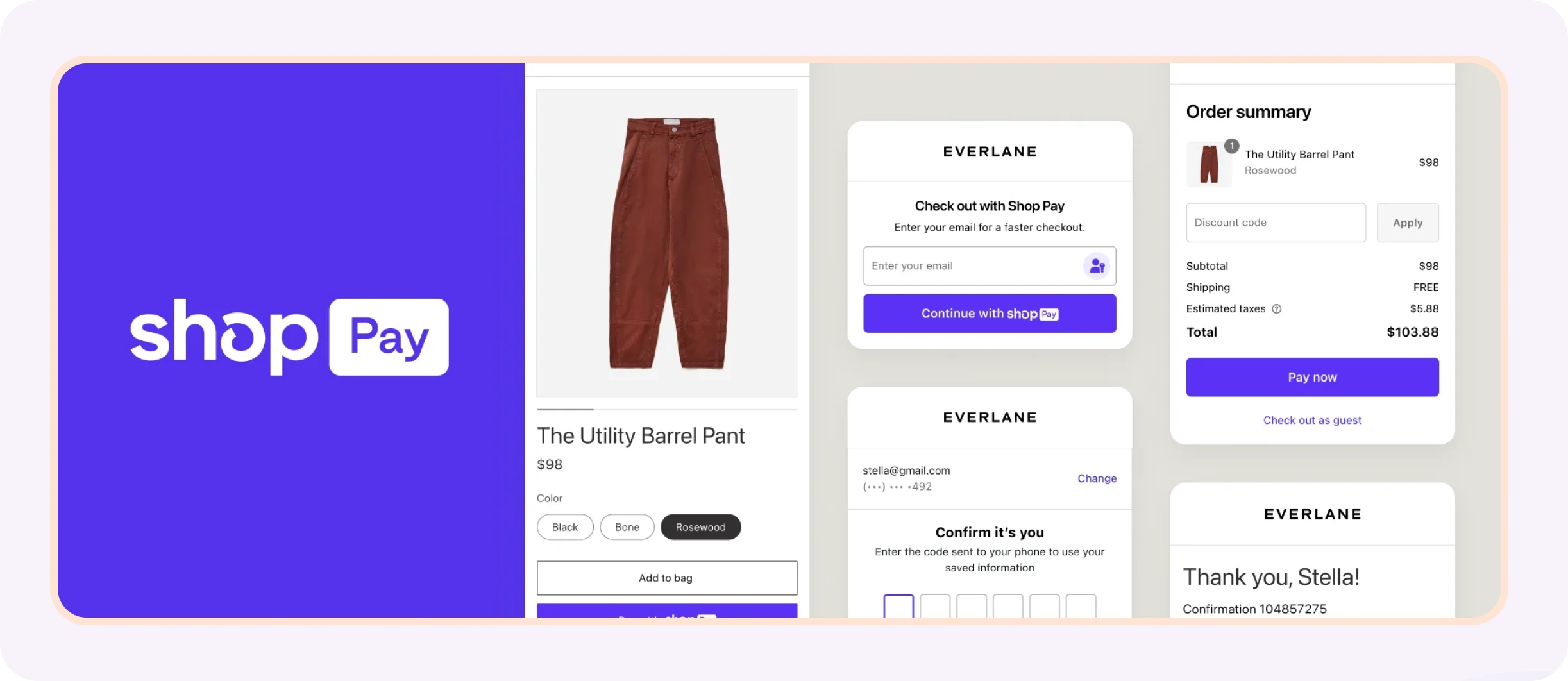
Shop Pay is Shopify’s native accelerated checkout, built to eliminate the form-filling step for customers who have shopped via Shopify before. It pre-fills shipping and billing information for returning customers, enables one-tap payment on mobile, and works across Shopify storefronts, the Shop App, Instagram, and Google. For any store with a high proportion of mobile traffic, it is the single highest-impact checkout tool available because the fewer steps between intent and payment, the fewer chances a customer has to change their mind.
For subscription brands, Shop Pay is particularly valuable for converting first-time buyers who already have their details stored. The fewer fields a new subscriber has to complete, the higher the likelihood they follow through on the subscription option rather than abandoning mid-form.
Best for: Stores with high mobile traffic. Brands selling to repeat customers across the Shopify ecosystem. Subscription brands converting first-time buyers.
Pricing: Free. Included automatically when Shopify Payments is enabled.
Mobile: Fully optimized. One-tap checkout works natively on iOS and Android.
2. ReConvert — Best for Post-Purchase Revenue
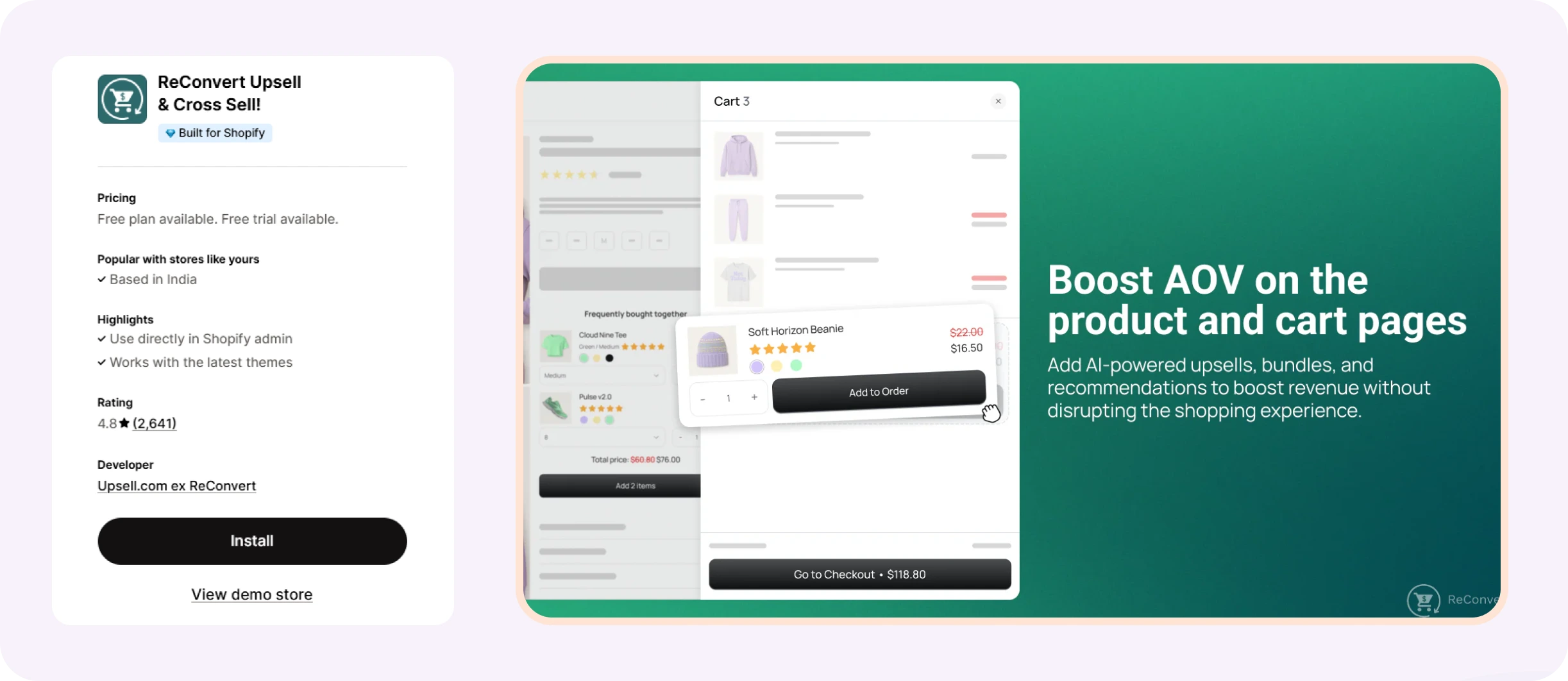
ReConvert is built specifically to turn the moment after a confirmed purchase into an additional revenue opportunity, through targeted upsells, cross-sells, and thank-you page customization that increases order value without touching the primary conversion. The customer has already committed, which makes this the highest-intent moment to present a relevant offer.
For DTC brands, this is where a skincare customer who bought a moisturizer gets offered the serum. Where a coffee buyer gets offered the grinder. Where a supplement brand surfaces a bundle at a discount that only appears post-purchase. Done well, these offers feel like a useful next step rather than a sales push.
Subscription brands can use ReConvert to upsell a complementary product to a subscriber immediately after their first order is confirmed, while purchase intent is still at its peak.
Best for: DTC brands with natural product pairings or complementary products. Stores on all Shopify plans. Subscription brands looking to increase first-order value.
Pricing: Starts at $4.99 per month, scaling with order volume. Free plan available for development stores.
Mobile: Post-purchase offers are mobile-responsive by default.
3. Rebuy — Best for In-Checkout Personalization (Shopify Plus Only)
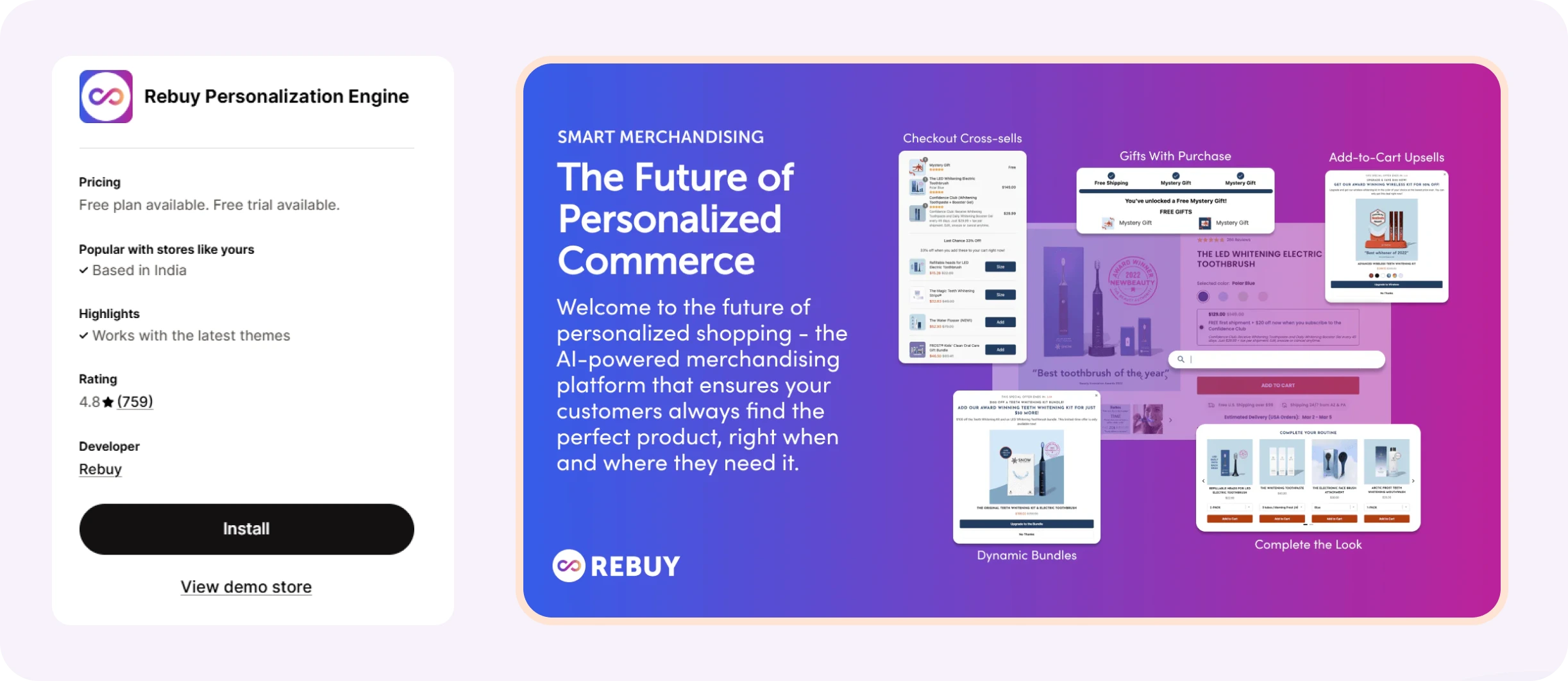
Rebuy is the most capable app available for merchants who want to add personalized recommendations and conditional messaging directly inside the checkout flow using Shopify’s Checkout UI Extensions. Custom content blocks, product suggestions, and dynamic upsells can all be surfaced without redirecting the buyer away from the payment step.
A supplement brand on Shopify Plus could use Rebuy to surface a customers also bought block inside checkout, shown only when the cart total exceeds a set threshold. A pet food brand could show a personalized recommendation based on what the customer has previously ordered. The personalization is driven by real purchase data, not generic logic.
For subscription brands on Shopify Plus running multi-product catalogs, Rebuy’s ability to surface relevant add-ons inside checkout before the order is placed can meaningfully increase both conversion rate and average order value on the same transaction.
Best for: Established Shopify Plus brands with sufficient order history to power meaningful personalization. High average order value stores where in-checkout recommendations are contextually relevant.
Pricing: Starts at $25 per month, depending on order volume. Free for development stores.
Mobile: Checkout UI Extensions are mobile-responsive by Shopify’s framework design.
4. Judge.me — Best for Trust and Social Proof at Checkout
Judge.me surfaces real verified reviews, star ratings, and trust indicators that can be positioned near payment fields to reduce hesitation for first-time buyers. New and fast-growing brands face a specific checkout problem where the customer wants to buy but isn’t yet confident enough in the store to enter their card details, and verified social proof is what closes that gap more reliably than any design change.
A newer supplement brand that added verified review widgets near its checkout order summary saw measurable improvement in completed orders within the first two weeks of testing. For brands that already use Trustpilot for wider credibility purposes, Trustpilot serves the same function at checkout.
Note: Avada Boost Sales appears frequently in app roundups for this category. For DTC brands with existing review volume, verified review apps provide a stronger conversion lift because they address the specific hesitation that generic badges do not, which is whether other real customers have had a good experience with this store.
Best for: Newer DTC brands establishing credibility with first-time buyers. Stores in categories where reviews are central to the purchase decision, including skincare, supplements, and pet food.
Pricing: Free plan available. Paid plan at $15 per month.
Mobile: Review widgets are mobile-responsive and load without impacting checkout page speed.
5. Lucky Orange — Best for Checkout Analytics and Friction Diagnosis
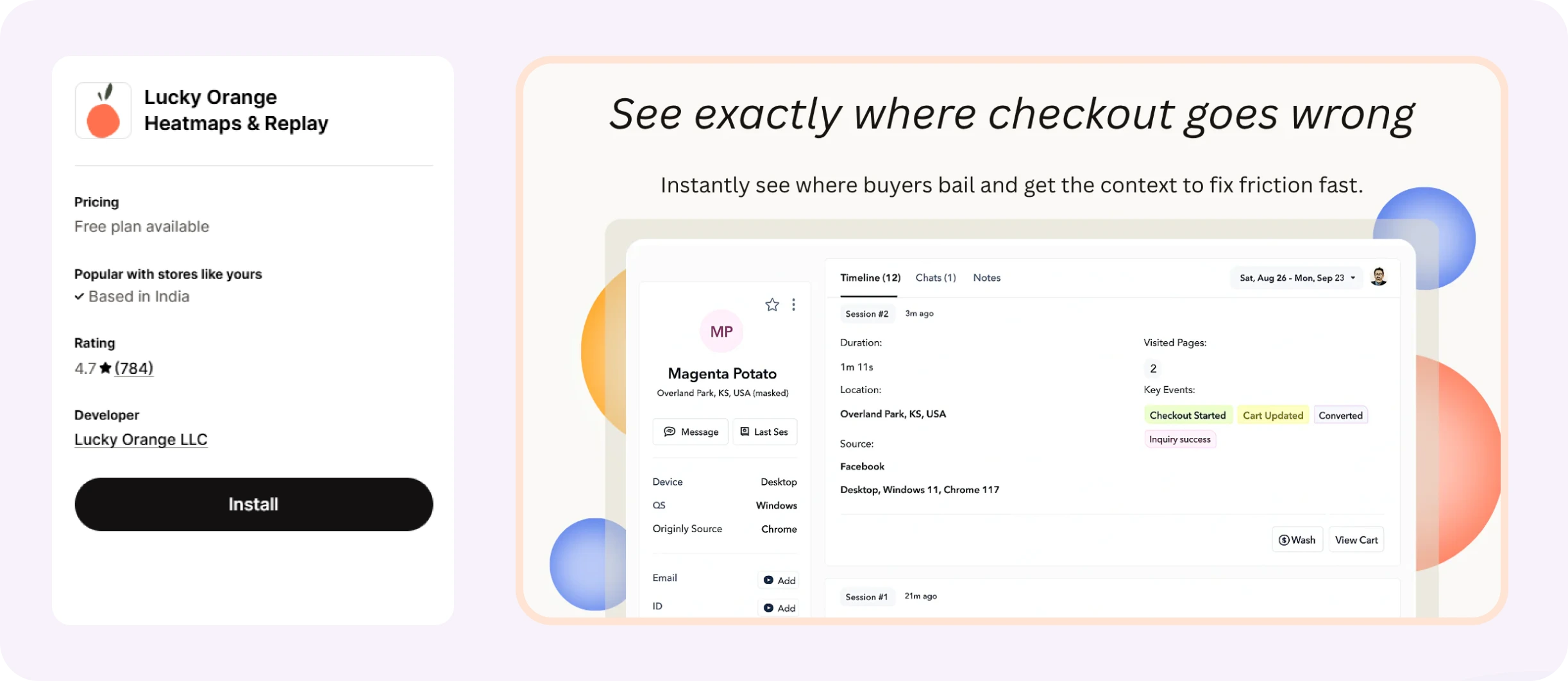
Lucky Orange provides session recordings, heatmaps, and conversion funnel tracking that show exactly where checkout drop-offs happen and why, making it the right starting point before any other app is installed. You cannot fix what you have not diagnosed, and most merchants who install multiple checkout apps without seeing results are skipping this step.
A meal kit brand might use Lucky Orange recordings to discover that 40% of mobile visitors abandon when the form asks for an apartment number, a field most customers find confusing or irrelevant. Removing that field recovered a meaningful portion of those sessions without any other change to the checkout.
The data Lucky Orange surfaces will tell you which of the other four apps on this list you actually need, which makes it the most honest place to start.
Best for: Merchants who want behavioral data before making checkout changes. Stores that have installed multiple apps without seeing the expected conversion lift. Brands running A/B tests who need session data to understand results.
Pricing: Free plan available for up to 100 sessions per month. Paid plans start at $19 per month for 500 sessions.
Mobile: Session recordings capture mobile journeys natively, making it particularly useful for diagnosing mobile-specific checkout drop-offs.
How to Choose the Right App for Your Store
The honest starting point is diagnosis, not installation.
Before adding anything to your checkout stack, use Lucky Orange or Shopify’s built-in analytics to identify exactly where your checkout is losing people. Is it form abandonment on mobile? Is it after the customer sees the shipping cost? Is it on the payment step itself? The answer determines which app you actually need, and skipping this step is why most merchants end up with four apps installed and no measurable improvement.
Once you know where you’re losing people, match the fix to the problem:
Losing mobile users at the form? Enable Shop Pay and reduce your required fields to the minimum necessary.
Low trust conversion for first-time visitors? Add verified review widgets or security indicators near the payment summary.
Strong checkout conversion but low order value? Add ReConvert post-purchase offers and test offer relevance before testing design.
On Shopify Plus with a large or complex catalog? Explore Rebuy for in-checkout personalization once you have enough order data to make the recommendations meaningful.
Your Shopify plan matters here, too. The most powerful in-checkout customization features are only available to Plus merchants through Checkout UI Extensions. Meaningful optimization is possible on Basic and Advanced plans, but the ceiling is lower.
One note for subscription brands specifically. If your checkout converts well but subscribers are leaving within 90 days, the checkout work is already done. The problem has shifted to retention, which requires a different set of tools entirely. Understanding why Shopify subscription customers drop off within 90 days is the logical next step once checkout is no longer the bottleneck.
Pro Tips for Using Checkout Apps Without Breaking Your Store
A few principles that apply regardless of which apps you choose.
Install one app at a time – Multiple simultaneous installs make it impossible to isolate what moved the needle. If conversion improves or drops after installing three apps on the same day, you have no idea which one caused it. Install, measure, then move to the next.
Test on real devices – Chrome’s device emulator misses load-time issues that real users encounter, particularly on older Android phones on slower connections. Run through your entire checkout on an actual device before and after every change.
Check your checkout conversion rate before and after every change – Shopify’s analytics dashboard shows this natively. If you don’t record the baseline before installing an app, you have nothing meaningful to compare against.
Watch your page speed after every installation – Some apps load external scripts that add meaningful load time on mobile connections. A checkout that converts well on desktop but times out on a slow mobile connection is losing real revenue. Monitor speed after every new install, not just once at the end.
For post-purchase upsells, test offer relevance before testing design – An irrelevant upsell with perfect placement converts worse than a relevant one with average placement. Get the product match right first, then optimize how it looks.
Test like a first-time visitor – Go through your checkout as if you have never seen your store before. What causes hesitation? What’s unclear? What feels like an extra step that shouldn’t be there? The checkout abandonment rate on your store reflects the answers to those questions, whether you’ve asked them or not.
What Comes After Checkout Optimization
Checkout optimization wins you the first order. For one-time purchase stores, that’s the primary goal, and the work largely stops there. For subscription brands, it’s step one of a longer journey.
Once a subscriber converts through a clean checkout, the work shifts to keeping them. What is your cancellation flow doing when a subscriber decides to leave? Are you intercepting them with a relevant offer, a pause option, a product swap, or a loyalty discount before they confirm the cancellation? Are you recovering failed payments before they become involuntary churn rather than after?
Involuntary churn accounts for 20 to 40% of total subscription churn. These are subscribers lost, not because they chose to leave, but because a payment failed and no one caught it in time. Most Shopify subscription brands don’t have visibility into which subscribers are at risk until after they’ve already churned. By that point, winning them back costs significantly more than retaining them would have.
This is the gap that sits directly after checkout optimization in the subscription brand growth stack. A clean checkout acquires the subscriber. Retention tools keep them. And the brands that build both layers are the ones that compound subscriber lifetime value rather than constantly replacing churned subscribers with expensive new acquisitions.
FAQs on Shopify Checkout Optimization Apps
Do I need Shopify Plus to use checkout optimization apps?
No. Shop Pay, ReConvert, Lucky Orange, and Judge.me all work on Basic and Advanced Shopify plans. Shopify Plus unlocks one significant extra: Checkout UI Extensions, which allow direct in-checkout customization. Meaningful optimization is achievable without Plus, but the ceiling on what you can customize inside the checkout step itself is lower.
What is a good checkout conversion rate for Shopify stores?
A strong benchmark is 65 to 70% checkout completion, measured from reached checkout to order confirmed. Consistently below 50% points to checkout friction as the primary issue rather than product or pricing. For subscription brands, track subscription checkout conversion separately; losing a subscriber at checkout costs significantly more than losing a one-time buyer.
How do I improve checkout conversion rate on Shopify?
Start by reducing friction. Enable Shop Pay so returning customers skip form-filling entirely. Remove any fields that are not essential to completing the order. Adding visible trust signals near the payment step, a security badge, a refund policy summary, and verified reviews all reduce last-second hesitation. For subscription brands, make the subscribe-and-save option visible and default-selected above the fold, and add a clear cancel-anytime statement before payment.
What is the difference between checkout optimization and cart abandonment recovery?
Checkout optimization removes friction during the active session to prevent abandonment from happening. Cart abandonment recovery works after someone has already left without purchasing, typically through email or SMS sequences. Optimization fixes the leak. Recovery catches what still falls through. Both matter, and they work best when treated as separate but connected parts of the same conversion strategy.
What is Shopify checkout extensibility?
Shopify checkout extensibility is a set of developer tools available to Shopify Plus merchants that allows custom content, conditional logic, and targeted offers to be added directly inside the checkout flow without modifying the underlying checkout code. It powers Checkout UI Extensions, which let apps like Rebuy surface personalized recommendations and trust signals at the payment step without redirecting the buyer away from checkout.
Subscription checkout is not the same as one-time checkout, and most Shopify stores treat it like it is. Driftcharge is built specifically for Shopify subscriptions, recurring billing, saved payment methods, and flexible billing cycles, all handled smoothly. No friction for your customers, no headaches for you.

Ganesh Pawar

Join the waitlist now
Limited early access. Early joiners receive additional discounts on premium features.
Discover how